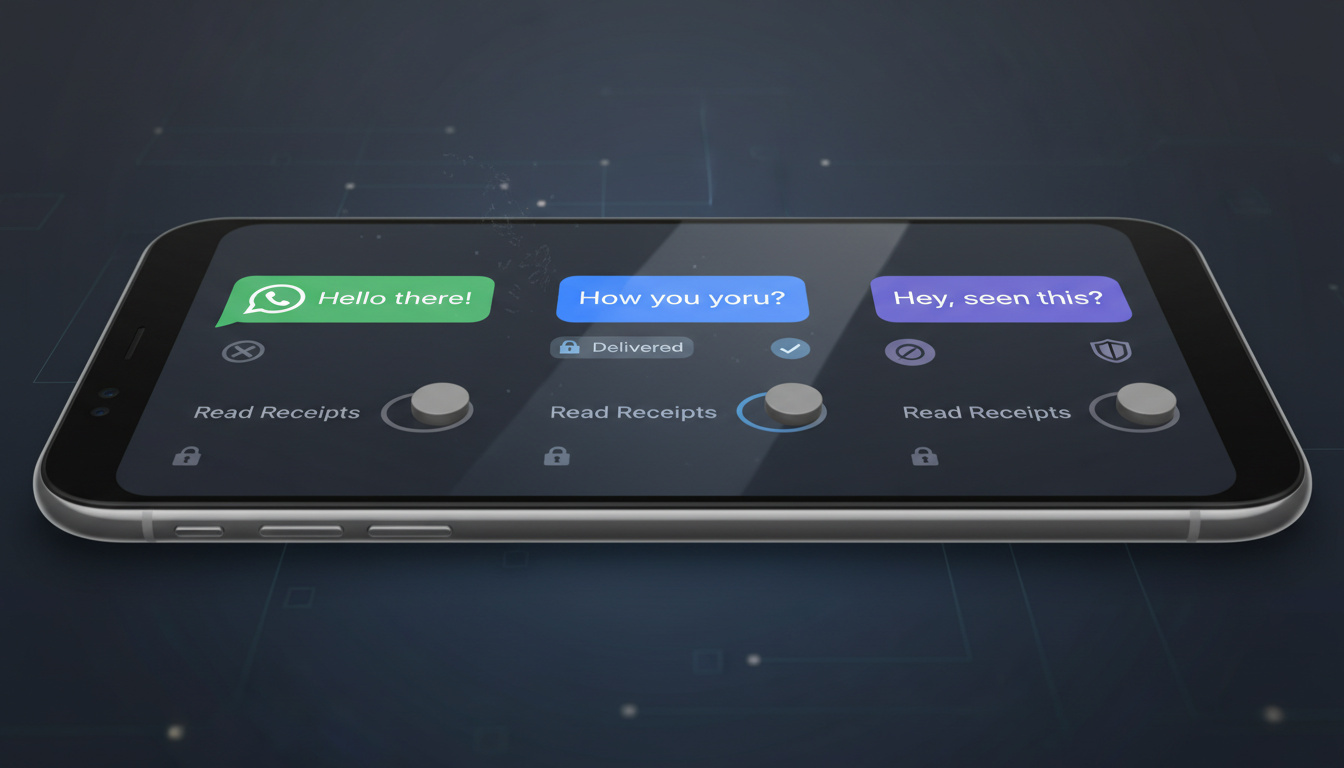
Digital communication has created an expectation of immediate response. Read receipts—those small notifications that confirm someone has viewed your message—amplify this pressure by exposing exactly when you engage with correspondence.
Disabling these indicators restores privacy and reduces social anxiety. While each platform handles read receipts differently, most major messaging services now offer methods to hide your viewing activity from contacts.
This guide examines the specific steps for WhatsApp, iMessage, and Facebook Messenger, alongside critical limitations users should understand before adjusting their settings.
How to Disable Read Receipts on WhatsApp
- Changes take effect immediately without notifying contacts
- Disabling read receipts eliminates your ability to see others’ read status
- Group conversations often maintain read receipts regardless of individual settings
- Third-party desktop extensions exist for platforms lacking native web controls
- RCS messaging on Android currently provides no native disable option
- iMessage defaults to disabled status, requiring active opt-in to share read receipts
| App | Setting Location | Toggle Name | Desktop Support | Reciprocal Effect |
|---|---|---|---|---|
| Settings > Privacy | Read Receipts | No | Yes | |
| iMessage | Settings > Messages | Send Read Receipts | N/A | Configurable |
| Messenger | Privacy and Safety | Show Read Receipts | Extensions only | Yes |
| Not specified | Not specified | Unknown | Unknown | |
| RCS/Android | Not available | Not available | No | N/A |
| Signal | Not specified | Not specified | Unknown | Unknown |
WhatsApp provides a straightforward toggle to disable read receipts. Users must open the application settings, navigate to the Privacy section, and switch off the Read Receipts option. This change applies universally across individual chats, though the platform maintains blue checkmarks in group conversations regardless of personal settings.
The setting functions reciprocally. When disabled, you simultaneously lose visibility into when others read your messages. This mutual blindness affects all one-on-one conversations immediately upon toggling.
Turn Off Read Receipts in iMessage on iPhone
Apple implements read receipt controls through the main iOS Settings application. Users navigate to Settings, select Messages, and toggle the Send Read Receipts switch according to their preference.
iMessage disables read receipts by default, requiring users to actively opt-in before contacts can see when messages are read. This differs from platforms that enable the feature automatically.
Unlike WhatsApp’s universal approach, iMessage allows granular control. Users can enable read receipts for specific contacts while maintaining privacy with others, though specific per-contact configuration steps were not detailed in available documentation.
Disable Read Receipts on Facebook Messenger and Instagram
Mobile Applications
Facebook Messenger requires users to tap their profile picture in the top-left corner of the mobile application. From there, selecting Privacy and Safety reveals the Read Receipts menu, where users can toggle off Show Read Receipts. This modification takes effect immediately across the platform.
Similar to WhatsApp, Messenger’s setting operates reciprocally. When you hide your read status, you simultaneously cannot see when others read your messages.
Desktop Workarounds
Messenger’s web interface lacks native read receipt controls. Users seeking privacy on desktop must rely on third-party Chrome extensions such as Facebook Unseen or Chat Undetected to read messages without triggering delivery confirmations.
Instagram Direct Messages
Current documentation does not specify native controls for disabling read receipts within Instagram Direct Messages. Users concerned about TikTok trends and privacy may need to check Instagram’s official help center for the most recent feature updates.
Effects of Disabling Read Receipts and Related Privacy Settings
When users disable read receipts, the primary effect involves the removal of “seen” or “read” timestamps from the sender’s view. This creates ambiguity about whether a recipient has actually viewed the message or simply has not opened the application.
Currently, no native option exists to disable typing indicators and read receipts while maintaining RCS functionality on Android devices. Users have reported missing privacy controls within standard RCS settings, creating a significant gap for those seeking complete messaging privacy.
Disabling read receipts does not necessarily disable typing indicators. On platforms like WhatsApp and iMessage, the “typing…” notification may persist even when read confirmations are disabled, though specific platform variations exist.
The reciprocal nature of these settings surprises many users. Privacy comes at the cost of visibility—when you hide your activity, you typically forfeit the ability to monitor others’ engagement with your messages.
Evolution of Read Receipt Controls
- : Apple introduces iMessage with optional read receipts disabled by default
- : WhatsApp implements blue tick read receipts with user-toggleable privacy controls
- : Facebook Messenger adds native read receipt management to mobile applications
- : RCS adoption expands without accompanying privacy toggles for read confirmations
Verified Capabilities and Current Limitations
| Established Information | Uncertain or Unverified |
|---|---|
| WhatsApp, iMessage, and Messenger offer native mobile toggles | Instagram Direct Message read receipt controls |
| Disabling read receipts works reciprocally on major platforms | Signal and Telegram specific configuration steps |
| iMessage defaults to disabled read receipts | Group chat behavior across all platforms |
| RCS lacks disable options on Android | Per-contact customization availability |
The Privacy Context Behind Read Receipts
The movement to disable read receipts reflects broader concerns about digital boundaries and communication etiquette. Users increasingly resist the surveillance implicit in real-time notification systems that expose their attention patterns and availability.
Professional contexts particularly benefit from disabled receipts, allowing recipients to manage response priorities without triggering immediate sender expectations. For those relying on stable connectivity for sensitive communications, choosing the best home internet for messaging remains equally important as configuring privacy settings.
Sources and Documentation
To disable read receipts on WhatsApp, open Settings, scroll to Privacy, and toggle read receipts off.
WhatsApp Documentation
Apple makes this straightforward: go to Settings > Messages and toggle Send Read Receipts on or off. By default, this feature is disabled.
Apple iOS Guidelines
Summary
Disabling read receipts requires navigating to privacy settings within WhatsApp, iMessage, or Facebook Messenger, though Android RCS users currently lack native options. The change consistently removes visibility in both directions, offering privacy at the cost of tracking others’ engagement.
Frequently Asked Questions
How do I enable read receipts again after disabling them?
Return to the same privacy settings menu where you disabled the feature and toggle the switch back on. The change applies immediately to all future messages.
Are read receipts available in Signal or Telegram?
Available documentation does not specify current read receipt controls for Signal or Telegram. Users should consult these platforms’ official help centers for the most accurate, updated information.
Can I turn off read receipts for specific contacts only?
iMessage allows per-contact read receipt configuration, while WhatsApp applies settings universally. Specific methods for contact-level control on other platforms remain undocumented in current sources.
Do read receipts work differently on WhatsApp for Android versus iOS?
The disable process functions identically across both operating systems. Both require navigating to Settings, then Privacy, to locate the toggle switch.
Does disabling read receipts also hide when I’m typing?
Typing indicators typically operate separately from read receipts. Disabling one does not automatically disable the other on major platforms like WhatsApp or iMessage.
Why can’t I find read receipt settings on my Android RCS messages?
Android’s RCS messaging protocol currently does not include native options to disable read receipts or typing indicators while maintaining RCS functionality. Users must use standard SMS or alternative apps for this privacy level.

Andrew Patel leads fact-checking, source verification and corrections at Downunder Brief.